Create an account
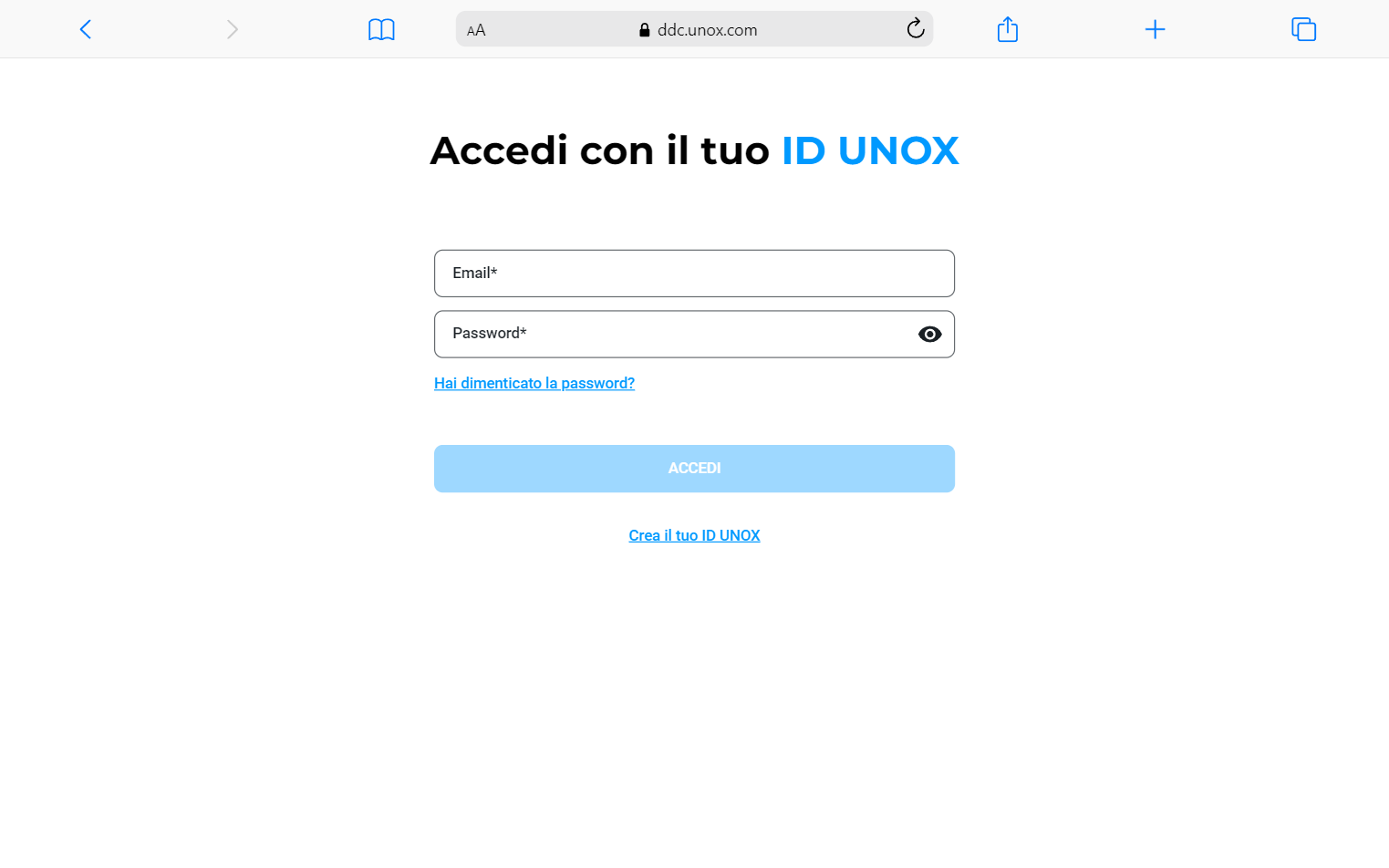
Signing up to the Data Driven Cooking platform is very easy, as soon as you enter the ddc.unox.com page you will be prompted a login screen from which you can create a new UNOX Account or enter using an existing one.
Creating a new account
To create your account, you can click Create your UNOX Account button, which will bring you to the creation page.
You will be presented with a form to enter your basic required information to set up your account. All the information here is required, and it will be used to prepare a new environment for you to use.
After a successful registration, UNOX will send you an activation email with a link button to confirm the creation of your account.
You will need to activate your account using the received email before being able to access the DDC platform.
Change password and credentials
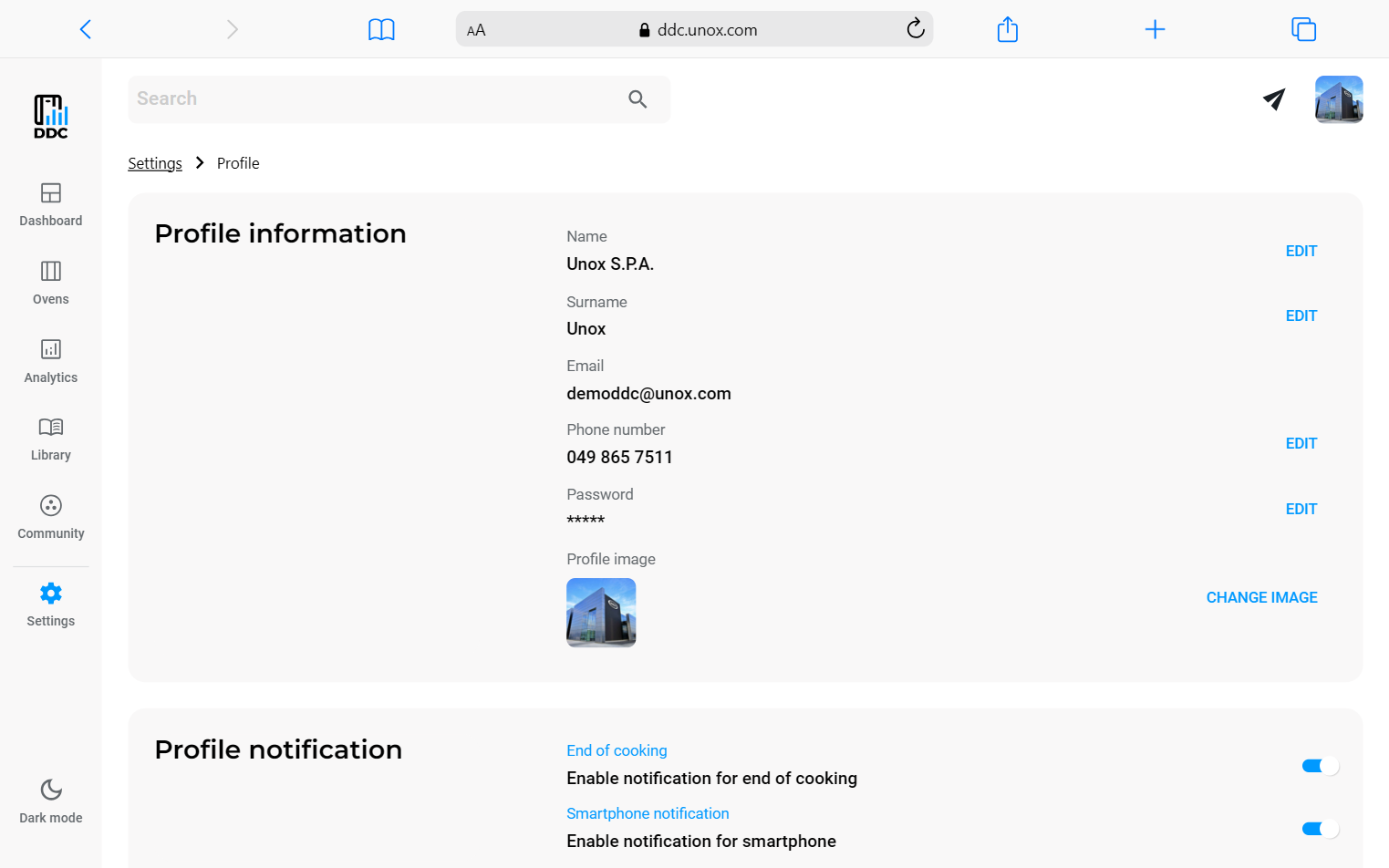
If you need to change your login credentials or password, you can do so from the profile settings page. This has two different access points: the profile image in the top right corner or the settings section on the side menu.
In the first option, if you click on your account image, a dropdown menu will appear, and then you can click the Profile button to access the profile settings.
If you want to access from the settings area, you can click on the settings icon and then click on the Profile card.
Both these actions take you to the Profile settings page, where you will be able to edit all your personal information.
Can't remember your password? See the help page to know how to reset it.